Physical Computing
Weekly Activity Template
Suki Sodhi
Module 1
Activity Research
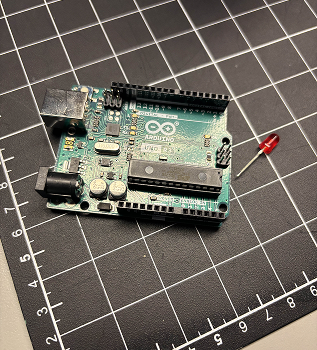
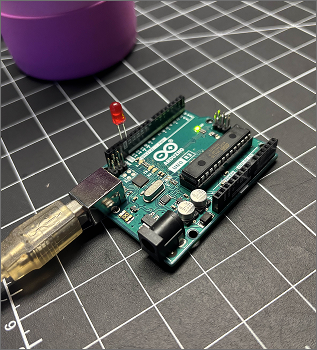
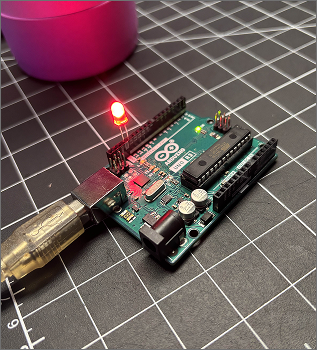
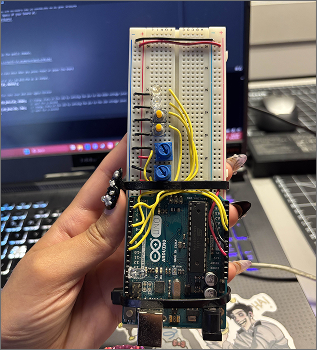
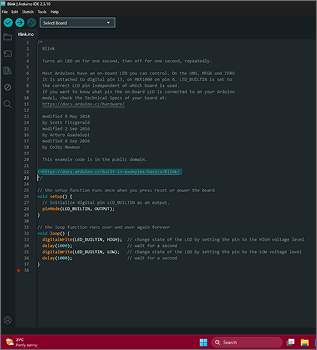
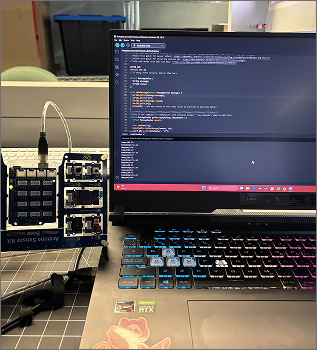
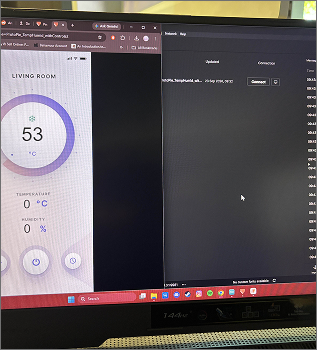
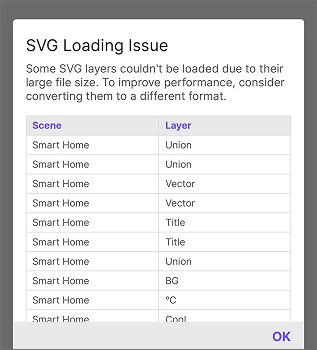
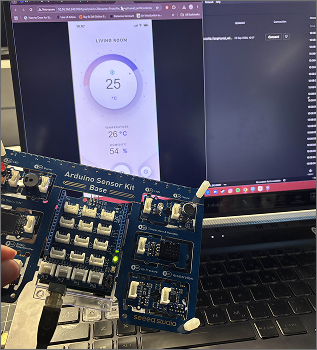
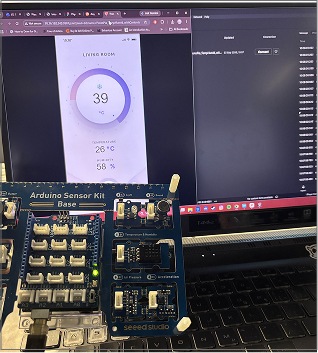
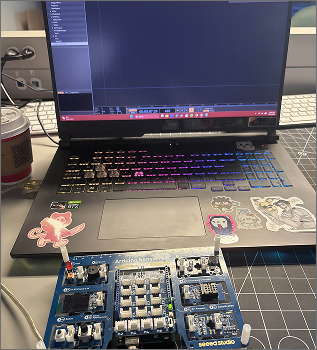
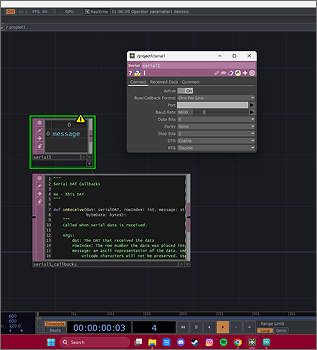
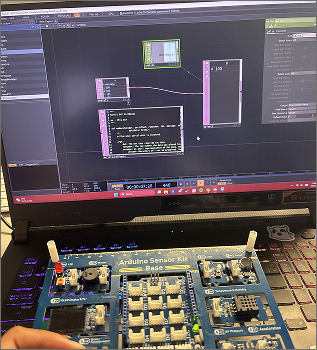
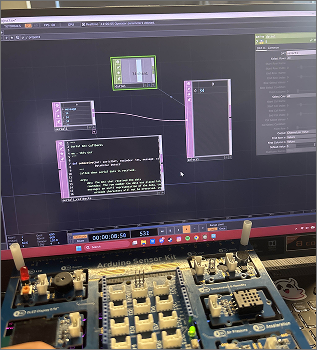
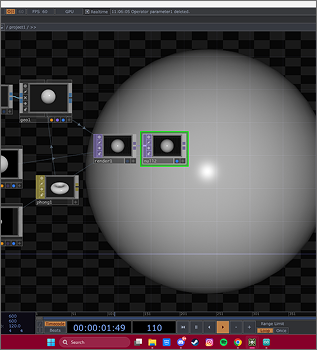
For the activities, we were first tasked with connecting our Arduinos to our computers. We were able to check that it was connected and then uploaded a basic sketch called Blink. This allowed for the small led light to blink on our Arduino, signifying that everything is connected and works. Our next activity was to use the arduino with a Protopie template that reacts to temperature and humidity. Our final activity was to learn TouchDesigner.
Activity 1
Activity 2
Activity 3
Research Activity
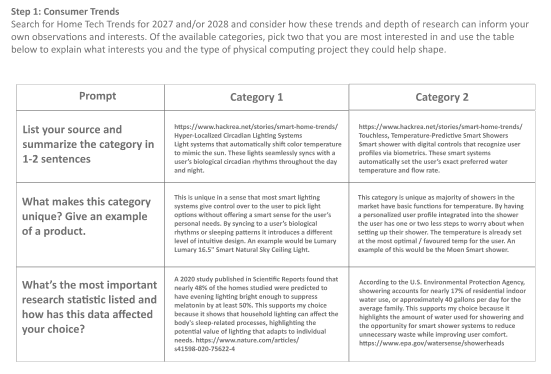
Consumer Trend Research
Here I found two consumer trends online and researched about them.
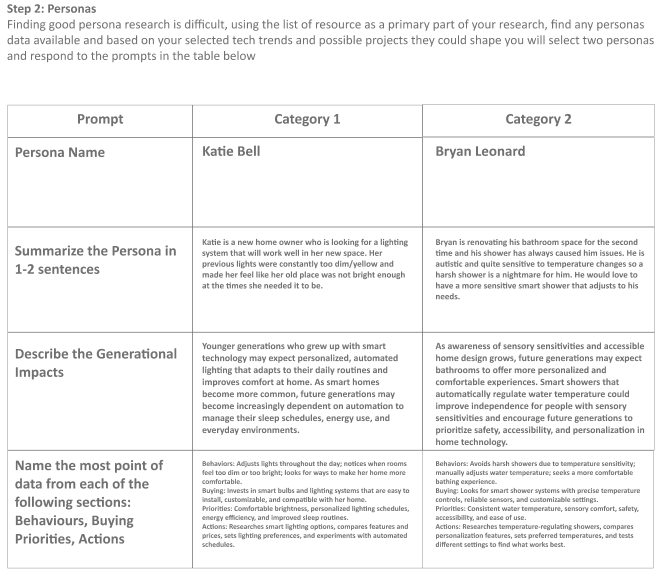
Personas Research
Based off of the trend research I did I was able to come up with one Persona for each, the impacts, and data from specific behaviours of the personas.
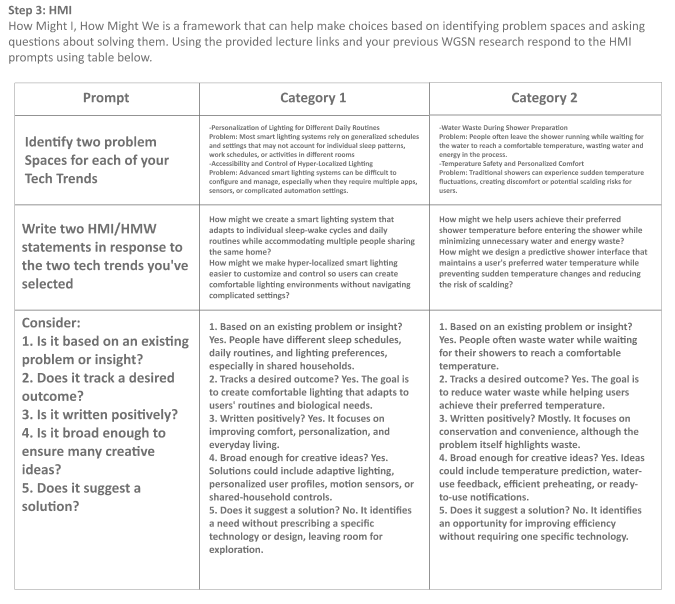
HMI Research
Here I fill out a How Might I, How Might We framework to help me mae choices and delve into the trend research I did. This helped me start thinking about potential design solutions and usability.
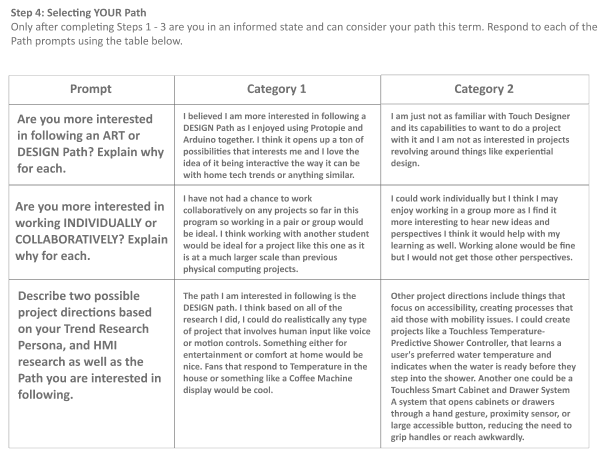
Project Path
Here I write about which path is of interest to me, which for this project is the DESIGN Path.
Project 1 Concept
Project 1 Concept
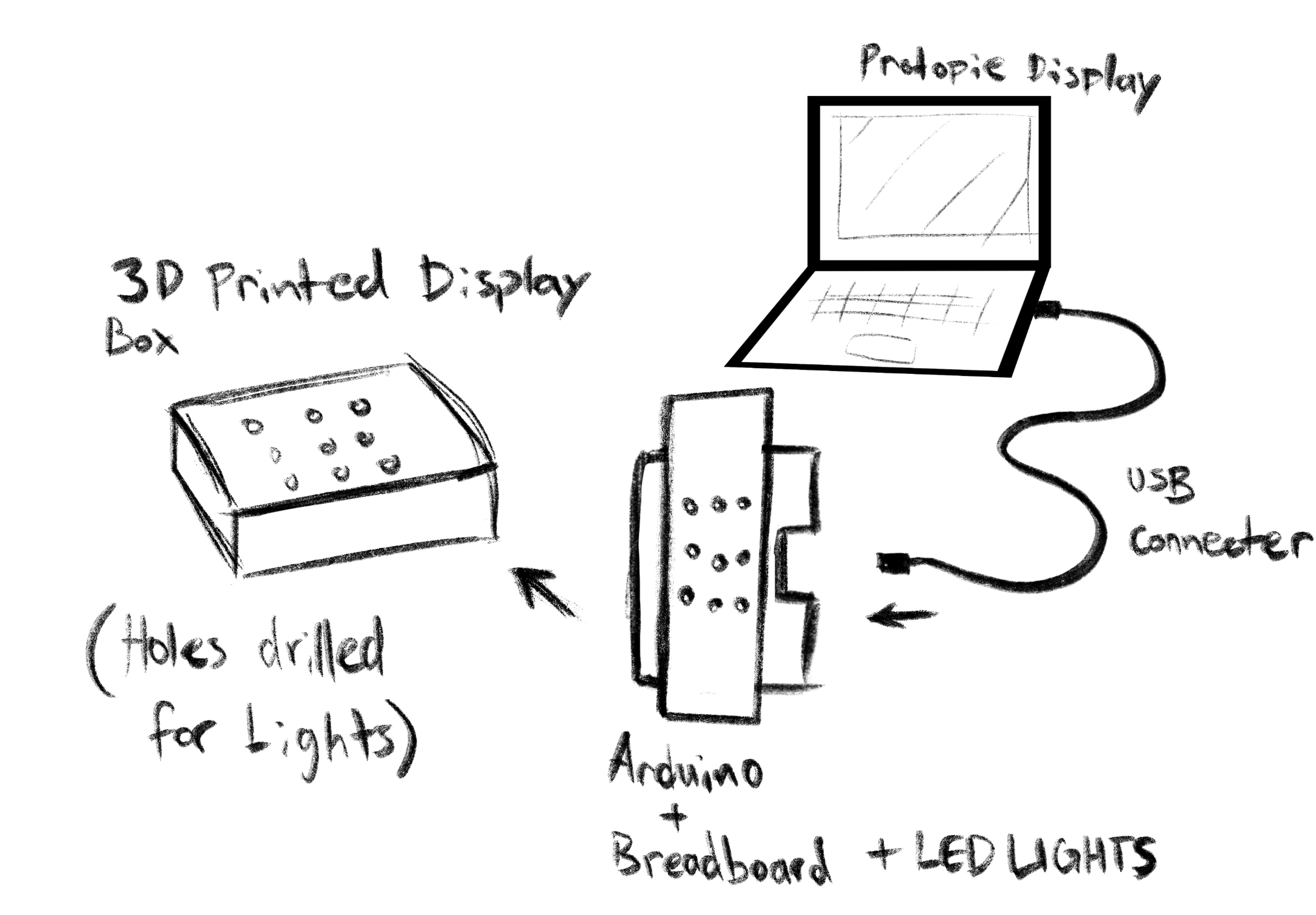
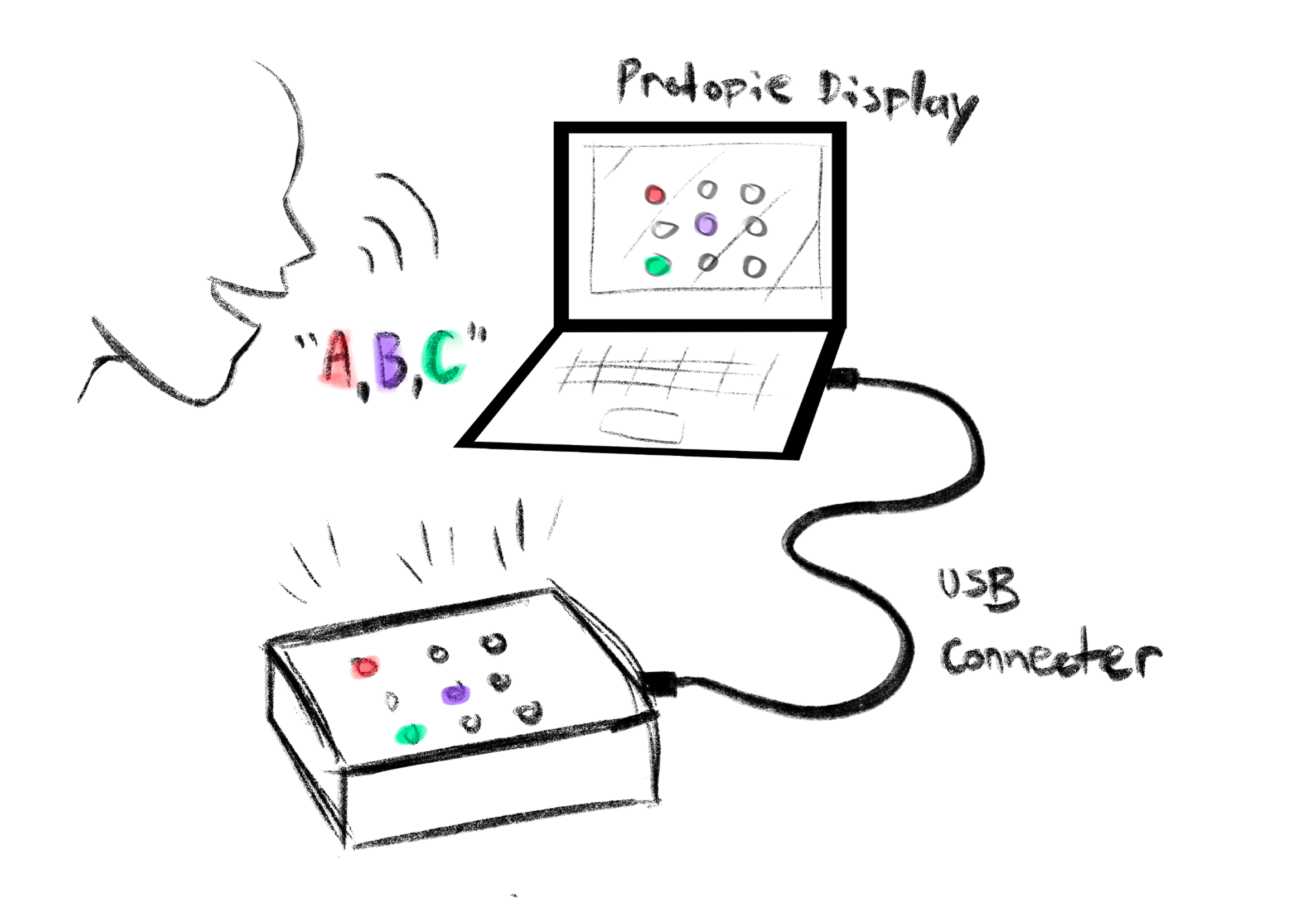
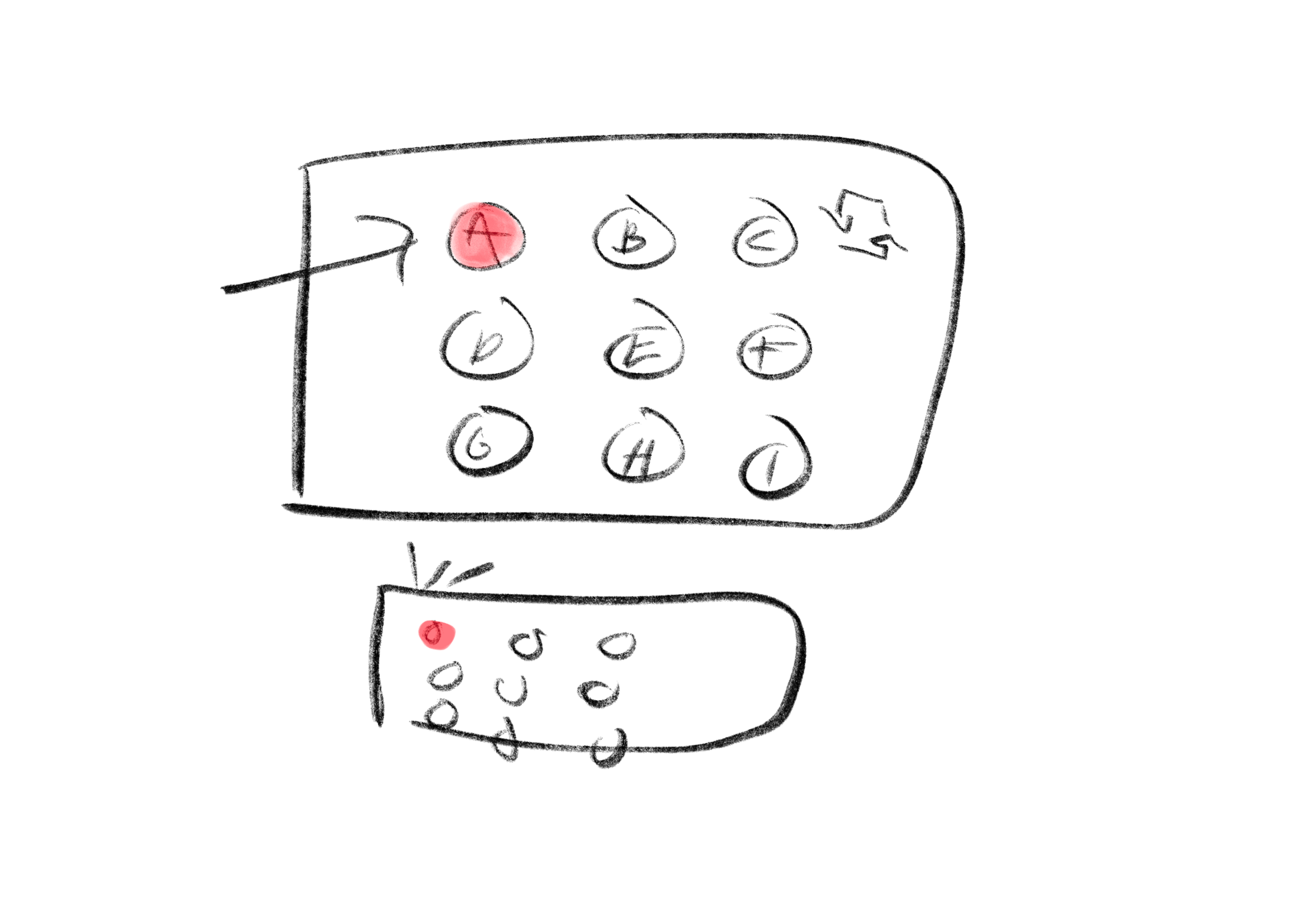
Our chosen concept for the course is a light up Whack-A-Mole game, combining the use of Protopie and Arduino. There would be 9 lights each labelled with a letter, once a light turns on the letter that has been assigned to that light has to be said verbally. The letters shuffle until the user gets it wrong or they say each letter of the alphabet at least once. Educational approach - this game serves to aid children with speech development, learning their ABCs, and reflexes.
Powered by w3.css